Matèria
three directions, round 2

Each version opens on the full-screen room with its pieces marked, and each has one idea of its own: measuring, lighting, going closer. Each also has its own intro, type and motion. Use the V1 / V2 / V3 switch on any page to compare them.

All three get built in full. Tell me what to change in each; then the rest of the pages (Collections, Product, Studio, Showroom) follow. Also: logo · copy.

V1 Disegno homepage

V1 Disegno

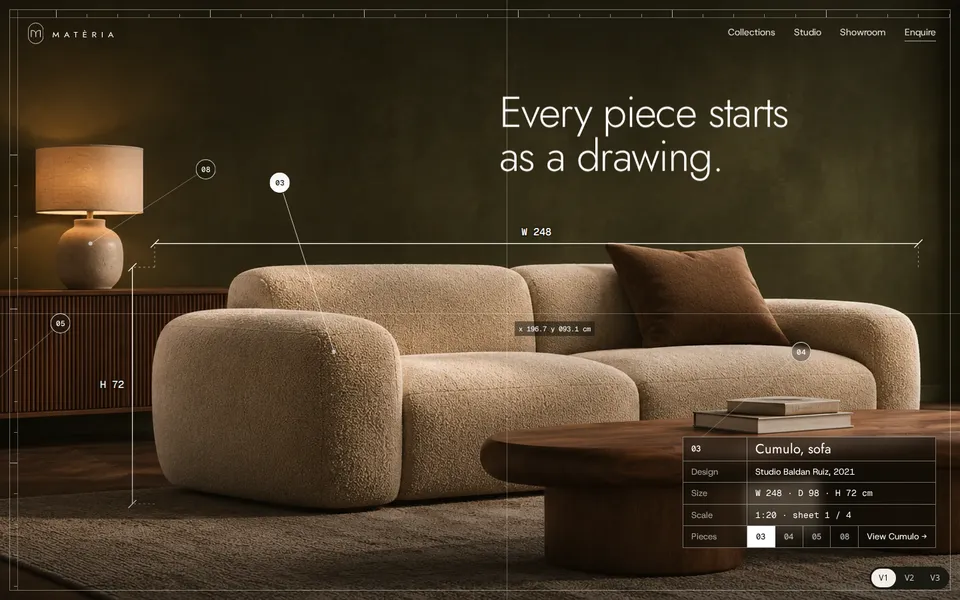
A drafting table. Point at a numbered piece and it is measured over the photo in thin white lines, with its dimensions and maker. A crosshair follows the cursor with live coordinates.

Logo
Originale
Type
Jost (the logo letters) with Host Grotesk
Colour
Motion
A line draws the mark, counts to 100 and opens into the room; headline lines slide up; markers spring in.
Try
Point at the numbers, or the names along the bottom.
Open V1
V2 Notte homepage

V2 Notte

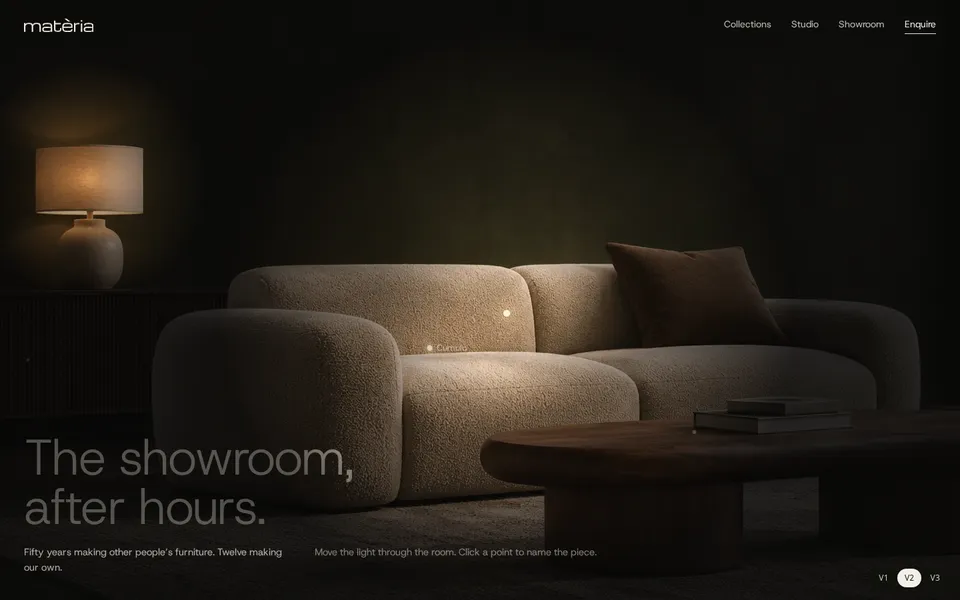
The showroom after closing. The room is dark, the lamp is on, and your cursor is the light. Click a lit point and the piece’s name fills the screen.

Logo
Novarese
Type
Michroma (the logo face) for names, Host Grotesk for text
Colour
Motion
The logo sharpens out of blur, the lamp flickers on, the light opens on the sofa; names sharpen letter by letter. Film grain.
Try
Move the cursor around the room; click a point.
Open V2
V3 Vicino homepage

V3 Vicino

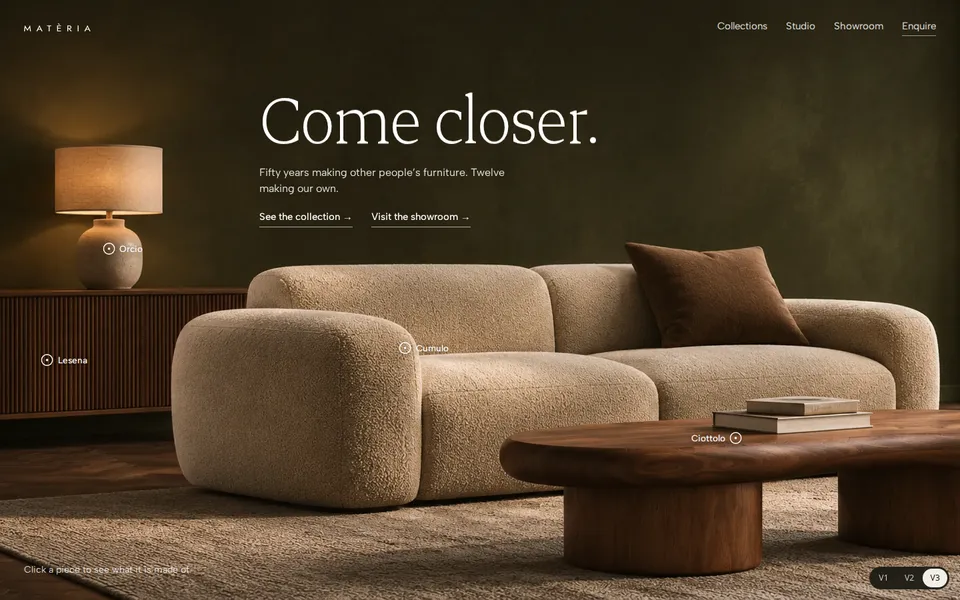
Warm and close. Tap a piece and the room zooms into it until you are looking at its material: the bouclé, the walnut, the stoneware.

Logo
Originale
Type
Jost (the logo letters) with Albert Sans
Colour
Motion
The room opens through a lens; words rise; dots spring in and lean towards the cursor; the close-up drifts with the pointer.
Try
Tap a white dot; press Escape or “Back to the room”.
Open V3